
Real Shopify events
Start workflows from orders, payments, refunds, fulfillment, customers, products, tags, and inventory changes.
CommerceOps watches the Shopify events that matter and creates structured, assigned ClickUp tasks automatically—without manual copying or fragile handoffs.
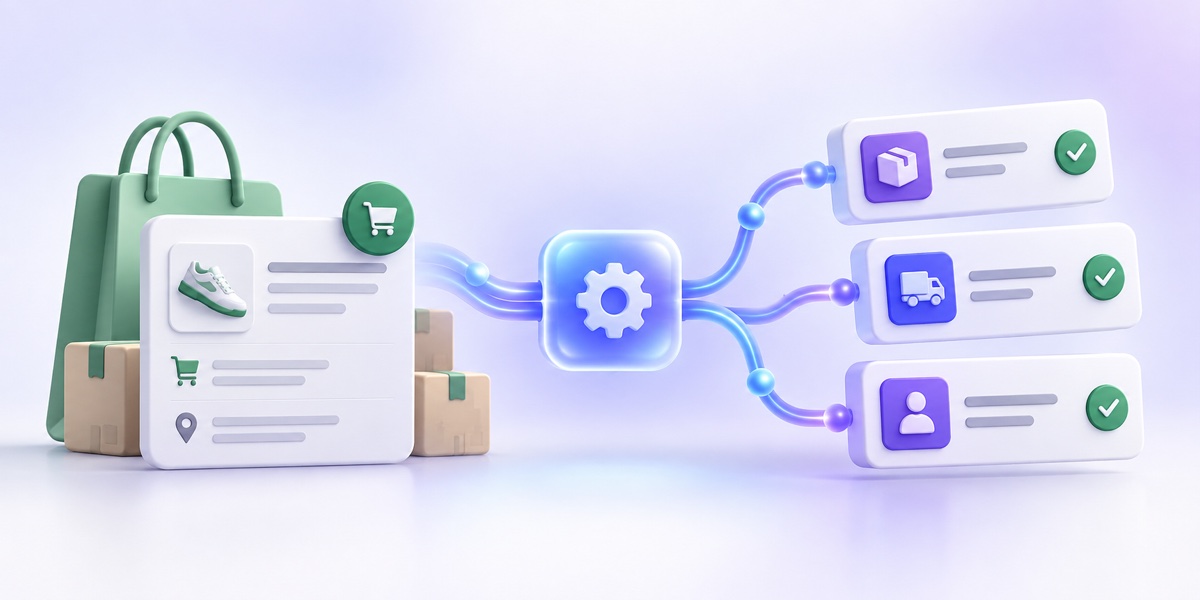
Build repeatable processes while keeping Shopify as the source of truth and ClickUp as the place where work gets done.
Start workflows from orders, payments, refunds, fulfillment, customers, products, tags, and inventory changes.
Route work using order value, SKU, customer data, tags, fulfillment state, inventory levels, and more.
Choose a List, assignee or Team, priority, due date, status, description, comments, and custom fields.
Use CommerceOps inside Shopify Flow and configure the destination List without copying internal IDs.
Create and link one or more ClickUp tasks directly from Shopify orders, products, and customers.
Review every execution, inspect event data, follow linked tasks, and receive actionable failure notifications.
Select the store event that should start the workflow.
Filter and branch using real Shopify data and reusable variables.
Map the task, test it safely, then publish the automation.
Execution history connects the Shopify resource, automation, result, and linked ClickUp task. Failure notifications include direct paths to resolve the issue.
Explore activity and troubleshooting →